Key Takeaways
|
A cracked screen is easy to ignore at first. The phone still turns on. Apps open. Messages send. You can scroll, swipe, and tap your way through the day. For many people, that feels “good enough.”
Modern smartphones are surprisingly resilient. Even with visible cracks or dark spots, they often remain partially functional. That short-term usability makes it tempting to keep using the device as-is.
The risks, however, are not always obvious during everyday use. A broken display can affect safety, performance, internal components, and long-term device value. This is not about diagnosing what caused the damage. It is about what happens when you continue using a phone after the screen has been compromised.
What Counts as a “Broken Display”?
Any display that has lost structural integrity is considered broken, and continued use introduces additional risk.
However, it’s important to note that a broken display is not limited to shattered glass.
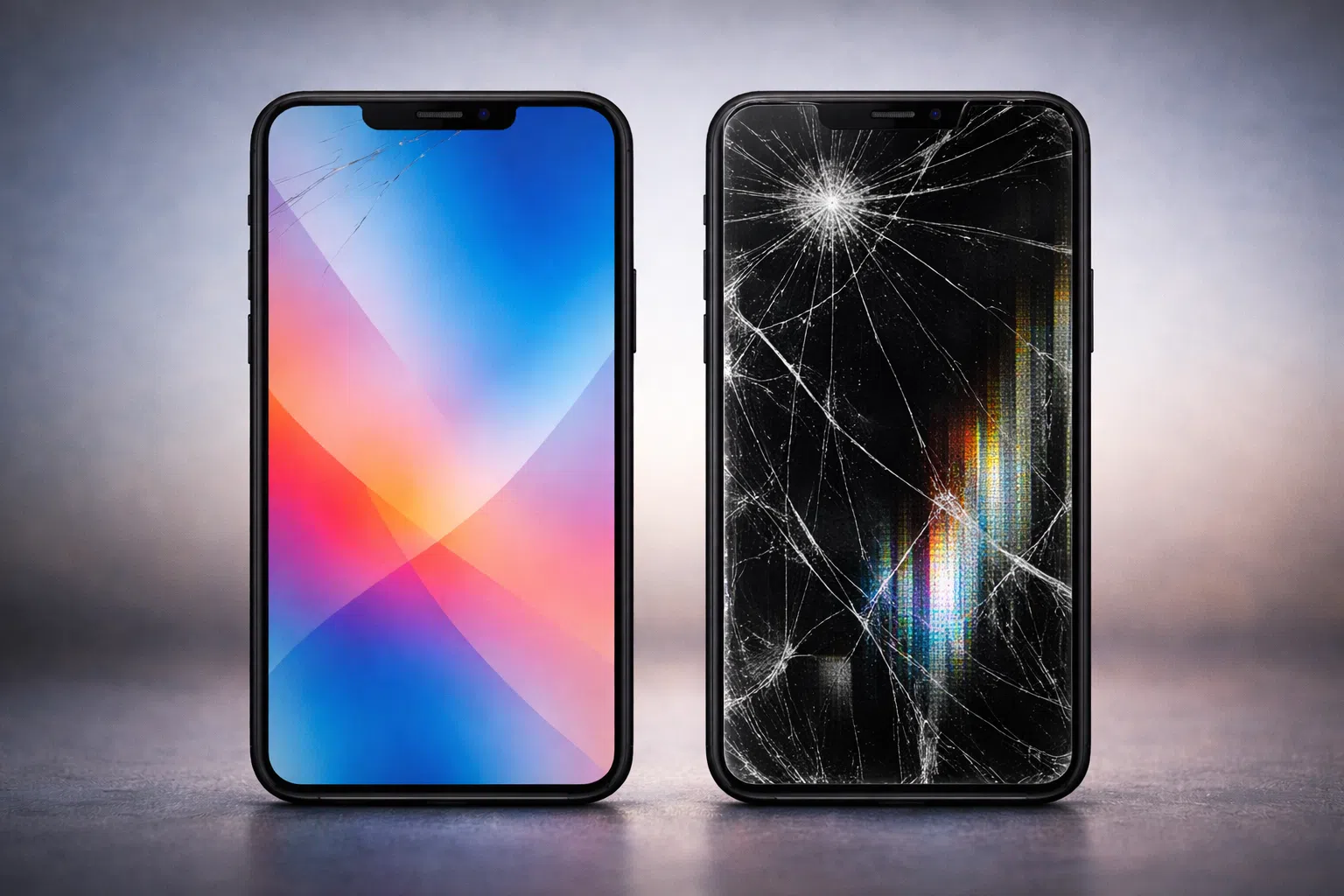
Some screens have visible spiderweb cracks. Others show hairline fractures along the edge. In some cases, the glass looks mostly intact while the display underneath shows lines, dark spots, or uneven brightness.
A screen may still light up and respond to touch while experiencing:
- Inconsistent brightness
- Flickering sections
- Dead zones where touch no longer registers
- Delayed response when typing
Damage severity is not always obvious at a glance. A small crack can extend deeper than it appears. A minor impact can weaken internal layers without causing dramatic visual distortion.
If you are unsure whether the issue is surface-level or more serious, guidance from How to Fix a Cracked Phone Screen can help clarify the difference between cosmetic and structural damage.
Physical Safety Risks You Shouldn’t Ignore
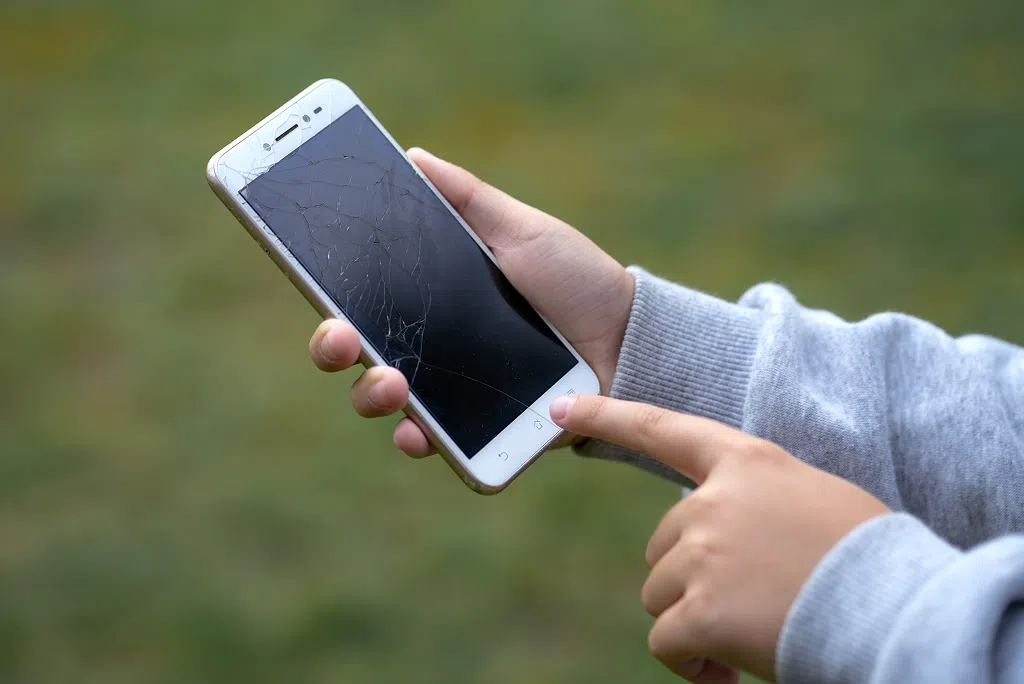
Cracked glass is not only a visual issue. It can pose real physical hazards. Small fractures create sharp edges that may not be visible immediately. Micro-shards can loosen over time, especially along the edges or near impact points.
Common risks include:
- Minor cuts on fingers during scrolling
- Scratches on the cheek during phone calls
- Small glass fragments separating from the surface
- Increased injury risk for children using the device
Even hairline cracks weaken the structural strength of the screen. Pressure during normal use can cause cracks to spread suddenly.
Some users rely on screen protectors to contain damage. A protector can help reduce surface exposure, but it does not restore structural integrity. Once the original glass is compromised, the device remains vulnerable.
Guidance on protection, such as the tips shared in 4 Benefits of Having a Screen Protector Installed on Your Smartphone, helps reduce future risk, but once the glass is compromised, structural strength is already weakened.
If the glass feels rough to the touch or splinters begin to lift, continued use increases the risk of injury.
Touch Issues, Ghost Inputs & Daily Frustration
A broken display often leads to unpredictable touch behaviour.
You may notice:
- Taps that register in the wrong location
- Delayed keyboard input
- Random app openings without touching the screen
- Scrolling that stutters or jumps
This behaviour, often called ghost touch, occurs when the digitizer layer beneath the glass is disrupted. Cracks or pressure damage interfere with how the screen senses electrical signals from your fingers.
These issues affect everyday tasks such as:
- Sending messages
- Entering passwords
- Answering calls
- Navigating maps
Heat from charging or extended use can intensify these symptoms. Pressure on damaged areas may temporarily distort touch accuracy even further.
While frustrating, inconsistent touch input can also create security risks. Mistyped passwords or unintended actions may expose sensitive information.
A phone that no longer responds accurately cannot reliably perform basic functions.
Moisture, Dust & Internal Damage Risks
Modern smartphones are designed with tight seals to help resist moisture and dust. That protection depends on the screen remaining fully intact. Once cracks form, the seal is compromised.
Even small fractures create entry points for:
- Humidity
- Rain exposure
- Condensation from temperature changes
- Fine dust particles
Water resistance ratings no longer apply after screen damage. A device that previously handled light moisture may now be vulnerable to internal corrosion.
Dust and debris can reach sensitive components such as:
- The battery
- Internal connectors
- Camera modules
- Charging ports
Over time, exposure increases the likelihood of deeper hardware failure. Corrosion may develop slowly and remain invisible until the device begins to malfunction.
Continued use in humid environments or during winter temperature shifts increases this risk. A damaged screen changes how well your phone protects itself from the outside world.
Get a free phone diagnosis in 5 minutes when you visit us in-store.Is your phone not working?
Battery Drain, Overheating & Performance Issues
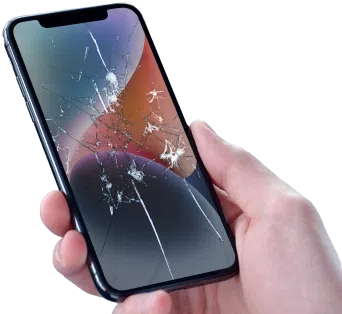
A compromised display can influence power consumption.
Cracked or damaged screens sometimes exhibit:
- Brightness instability
- Flickering sections
- Areas that remain over-illuminated
These irregularities place additional demand on the display circuitry. The phone may draw more power to maintain brightness levels.
Increased power demand can contribute to:
- Faster battery drain
- Warmer device temperatures
- Reduced long-term battery health
Heat often concentrates near damaged screen areas. Combined with existing cracks, that heat can accelerate internal wear.
If your phone begins overheating during normal use, it may be time for a professional assessment of both the display and the battery. A visit for Battery Replacement includes diagnostics to confirm whether declining battery health is contributing to the issue before any repair is recommended.
Display damage and battery strain often overlap, especially in devices that have experienced impact.
The Risk to Your Data & Device Longevity
A broken screen introduces uncertainty.
The device may function for weeks or months before failing suddenly. If the display stops responding entirely, access to data becomes more difficult.
Potential consequences include:
- Missed backups
- Delayed photo transfers
- Inability to unlock the device
- Disrupted two-factor authentication access
Prolonged use can also reduce repair viability. Additional internal damage may develop over time, limiting restoration options.
Save big when you shop our selection of Certified Pre-Owned phones. 64-point inspection and a limited lifetime warranty for eligible customers*.Save up to 50% on a new phone!
Why “Just Living With It” Can Increase Long-Term Cost
Minor cracks rarely remain minor. Over time, small fractures can spread across the surface. Internal panel damage can expand beyond the original impact zone. Moisture infiltration may affect additional components. Secondary damage increases the scope of required repairs. What begins as a single-screen issue can evolve into broader hardware concerns.
If you are weighing your options, guidance found in “Should You Repair or Replace Your Phone?” can help clarify which path makes the most sense based on device age and condition. Addressing display damage early keeps the issue contained. Delays increase complexity.
When It’s Time to Stop Using the Phone
Certain signs indicate that continued use is no longer safe.
- Touch input fails in large areas
- Dark spots or lines continue spreading
- The screen flickers repeatedly
- The device overheats during light use
- Glass fragments begin separating from the surface
At this stage, the device may not reliably perform essential tasks. Personal safety and data security become concerns.
Continuing to use a severely damaged display increases the risk of sudden failure.
A Safer Way to Move Forward
Early diagnostics provide clarity and direction.
Professional assessment confirms:
- Whether the damage is limited to the screen
- If internal components have been affected
- What repair options are available
Addressing the issue before full failure protects your data and preserves device lifespan. Timely repair often restores full functionality and structural integrity.
If your screen is cracked, unresponsive, or showing signs of internal damage, taking action now helps prevent larger problems later.
Get a free phone diagnosis in 5 minutes when you visit us in-store.Is your phone not working?
Final Take: Functioning Doesn’t Mean Risk-Free
A phone with a broken display may continue to operate. That short-term usability can create a false sense of security.
Cracked glass, compromised seals, unstable touch input, and expanding internal damage all carry real consequences. Physical safety, performance reliability, and long-term value are all affected.
Proactive care protects your device and your daily routine. Addressing display damage early keeps your phone reliable, safe to use, and ready for whatever comes next.